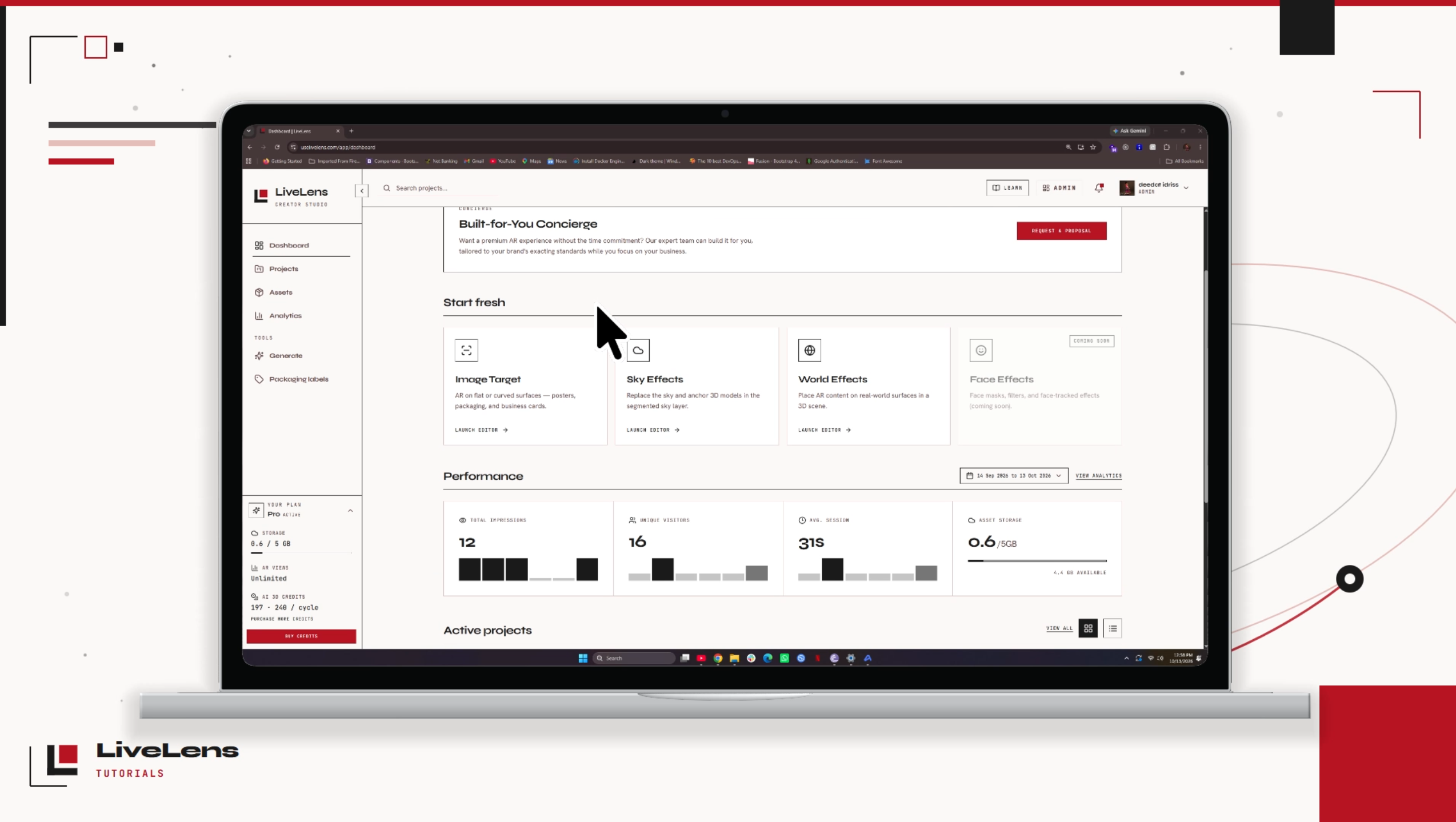
How to Create a 3D Model from an Image Using LiveLens
Learn how to create a 3D model from an image using LiveLens! 🚀 In this tutorial, I'll show you how to use an image as a reference to generate a 3D model for your AR experiences.
Knowledge base
Master the art of spatial reality. Dive into comprehensive guides, tutorials, and showcases designed for creators and technical artists.

Learn how to create a 3D model from an image using LiveLens! 🚀 In this tutorial, I'll show you how to use an image as a reference to generate a 3D model for your AR experiences.

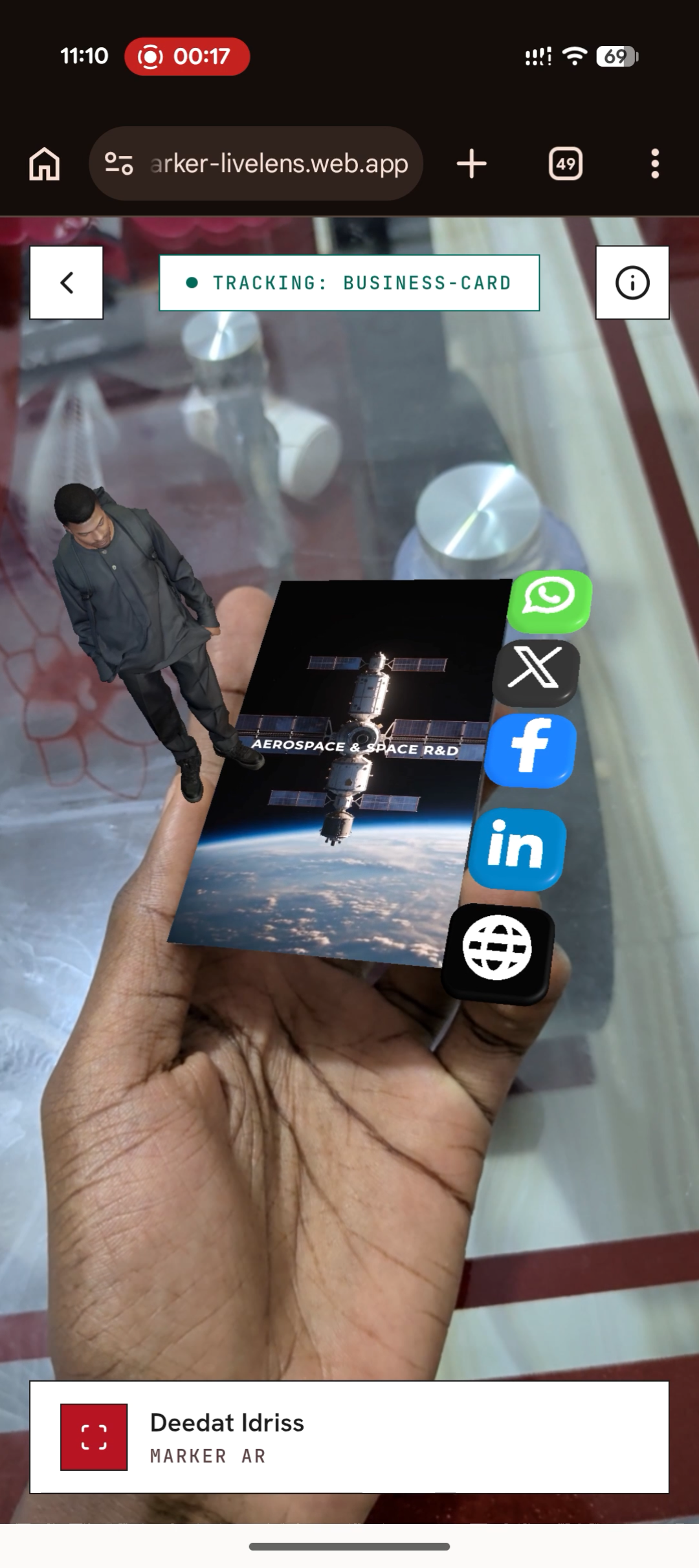
What if your business card could do more than just share your contact details? This StellarLabs business card uses LiveLens to turn a simple printed card into an interactive augmented reality experience. Scan the QR code, point your phone at the card, and watch the card come to life. This is just one example of how LiveLens can help brands create more engaging experiences with their physical products, packaging, marketing materials, and print media. Built with LiveLens.
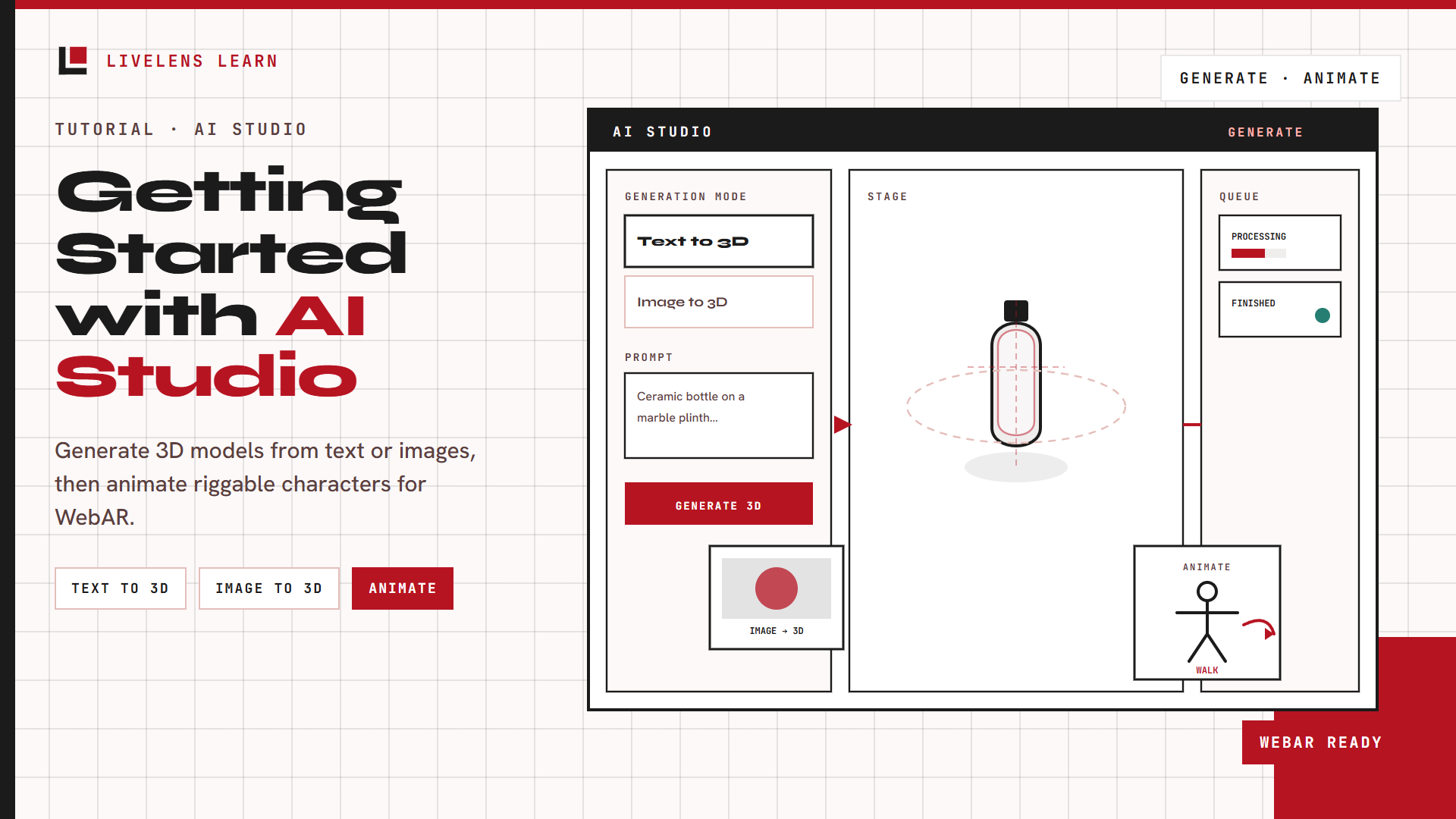
Learn how to generate 3D models from text or images in LiveLens AI Studio, then animate riggable characters for your AR experiences.

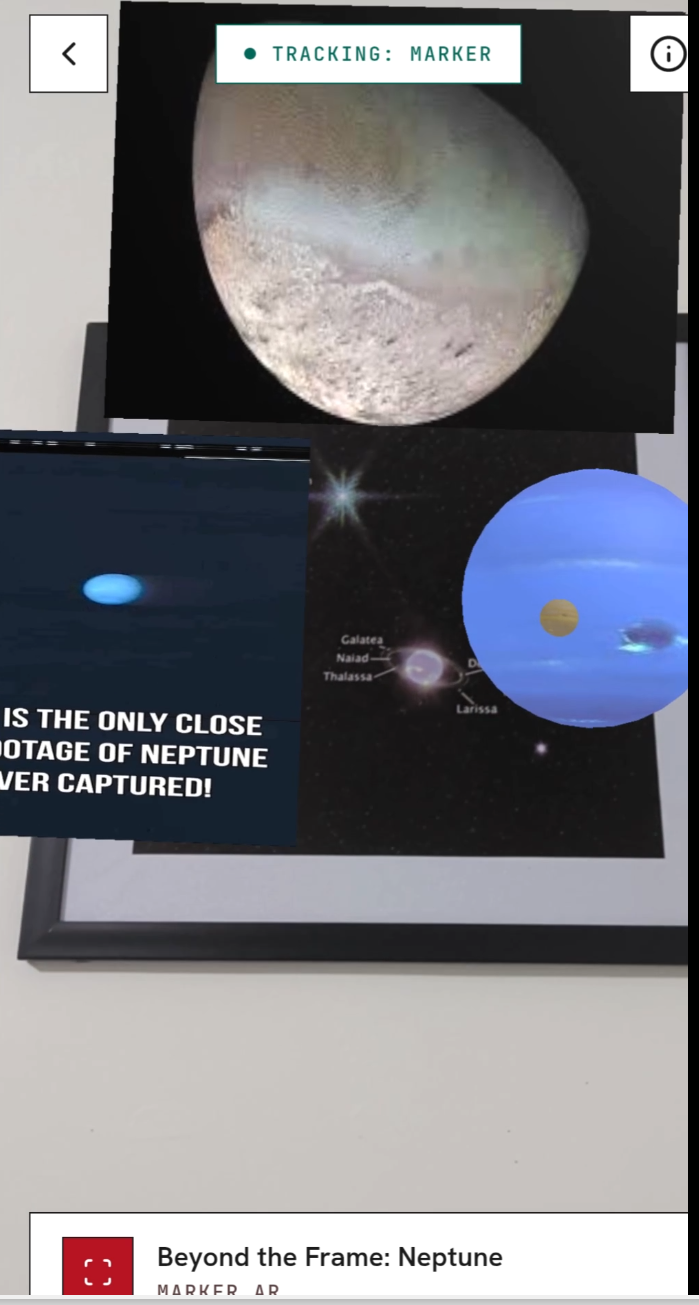
Point your phone at a framed image of Neptune and watch it transform. LiveLens unlocks a 3D Neptune model and a V101 Science video right in the browser. No app download required.

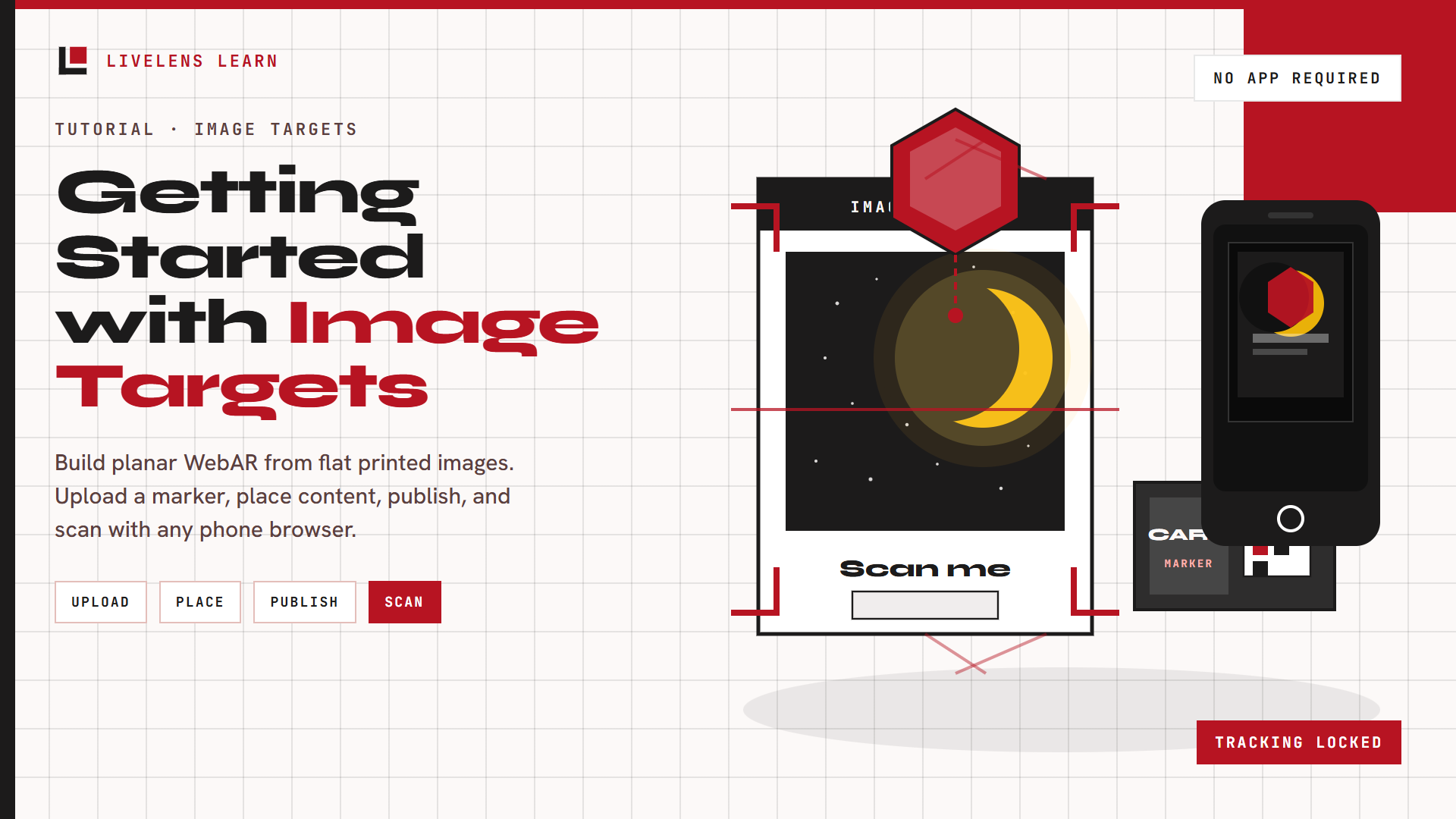
Learn how to build Image Target AR in LiveLens, from choosing a surface and uploading a marker image to placing content, publishing, and scanning on a phone.

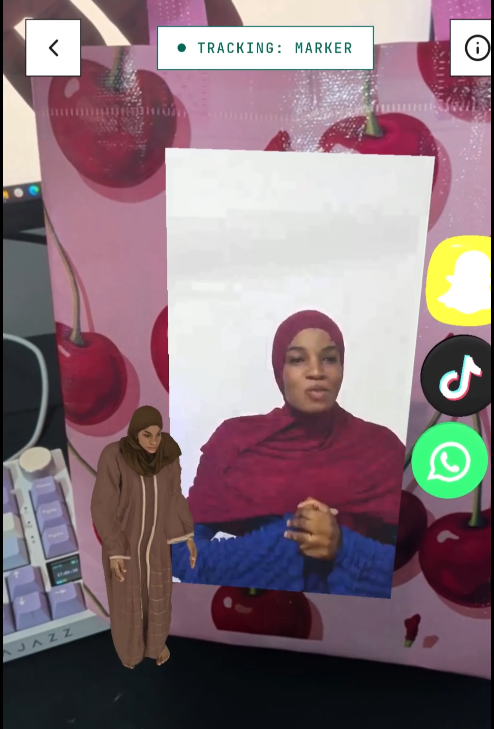
See LiveLens on real product packaging: play a vendor story, jump to TikTok, WhatsApp, or Snapchat, then finish with a thank-you card and a 3D character that bows.