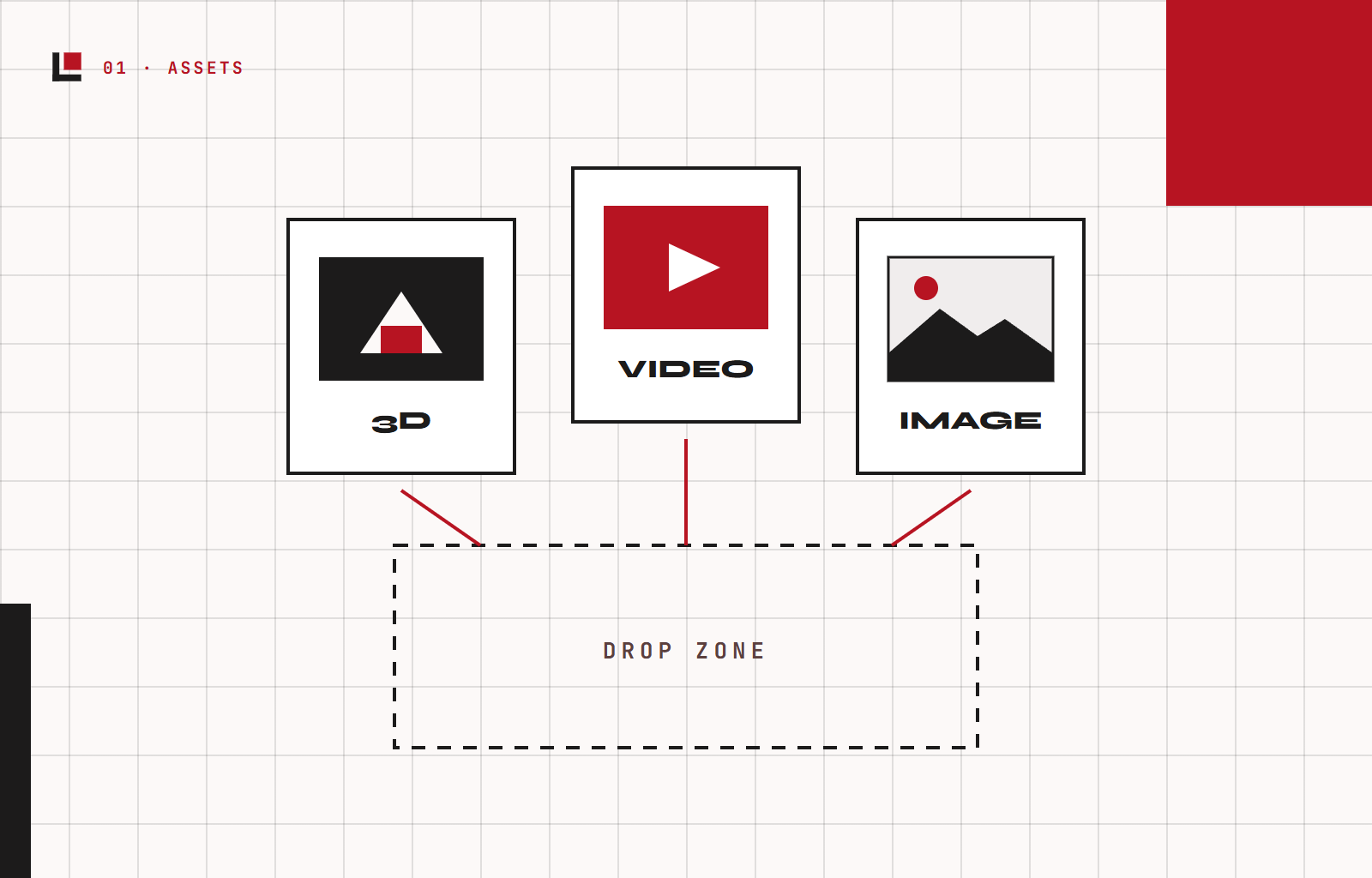
Upload your content
Drop in 3D models, video, or designs. Studio prepares them for playback in the browser.
WebAR Platform
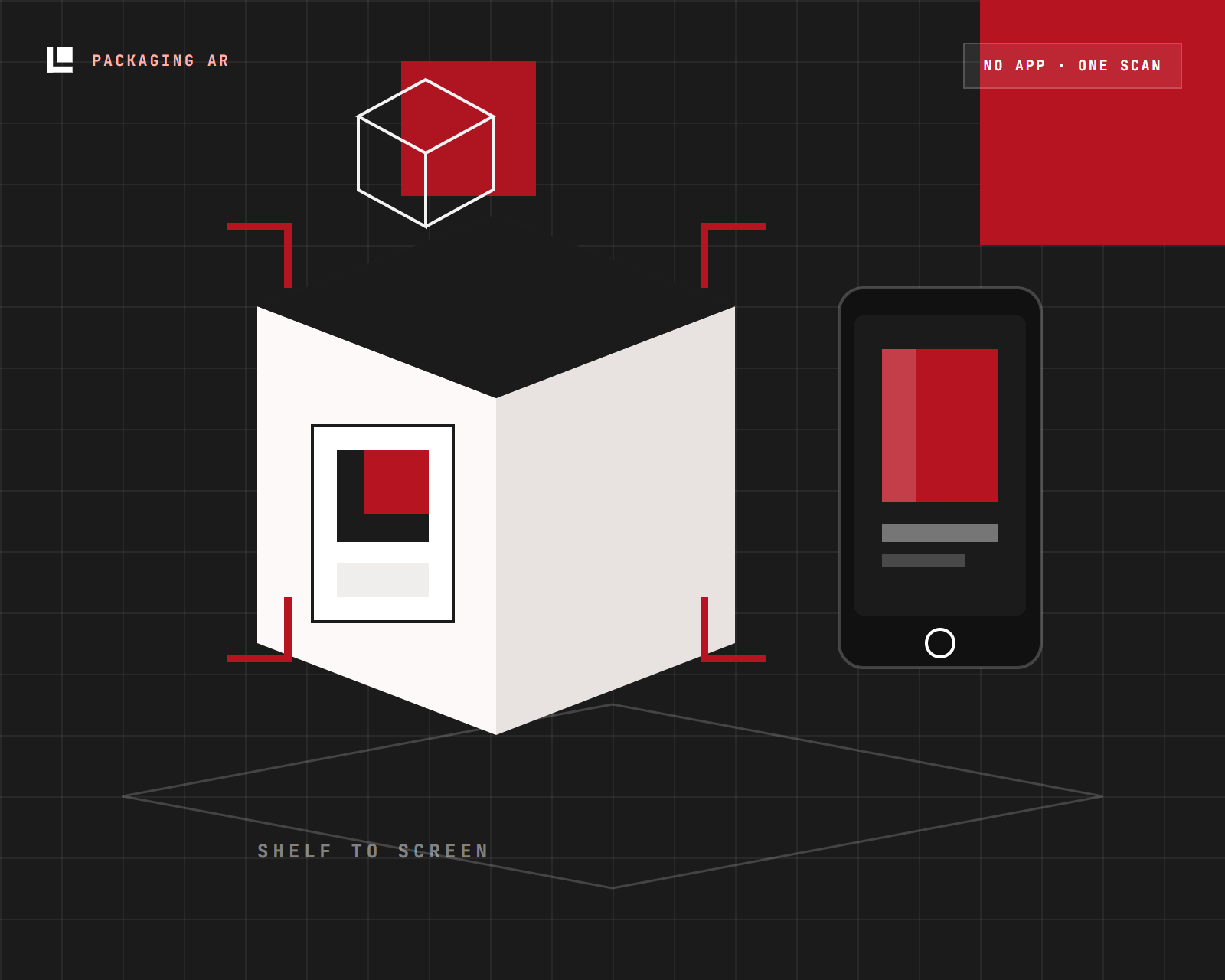
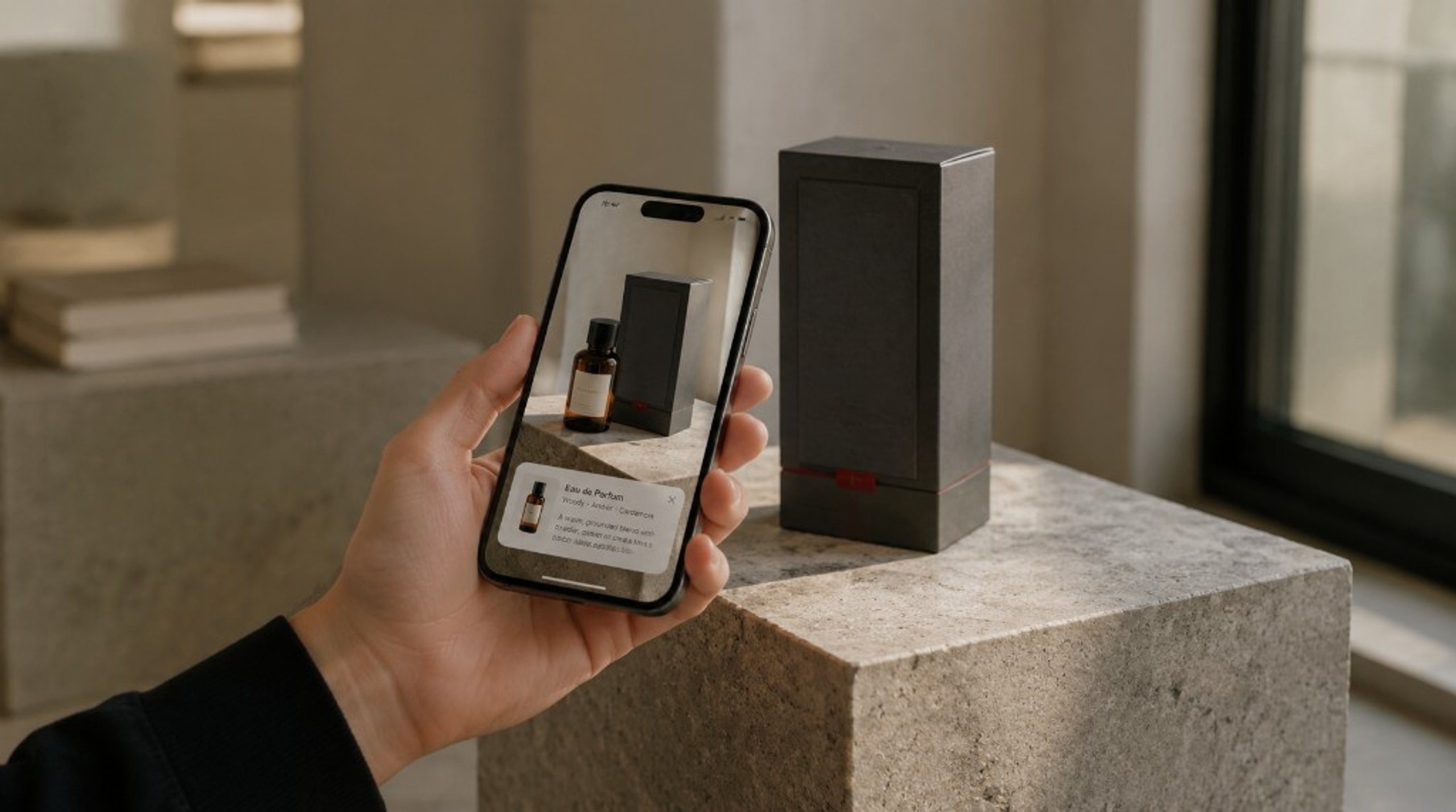
Create WebAR for packaging, retail, and campaigns. No code. No app download. Customers scan a QR and the experience opens in the browser.
Live demo
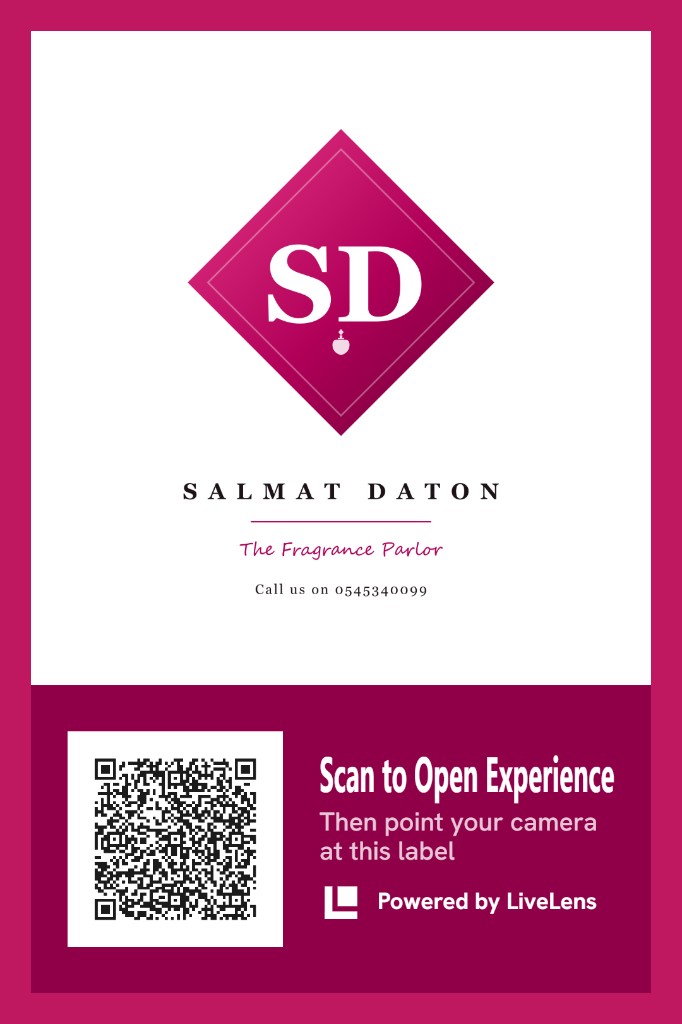
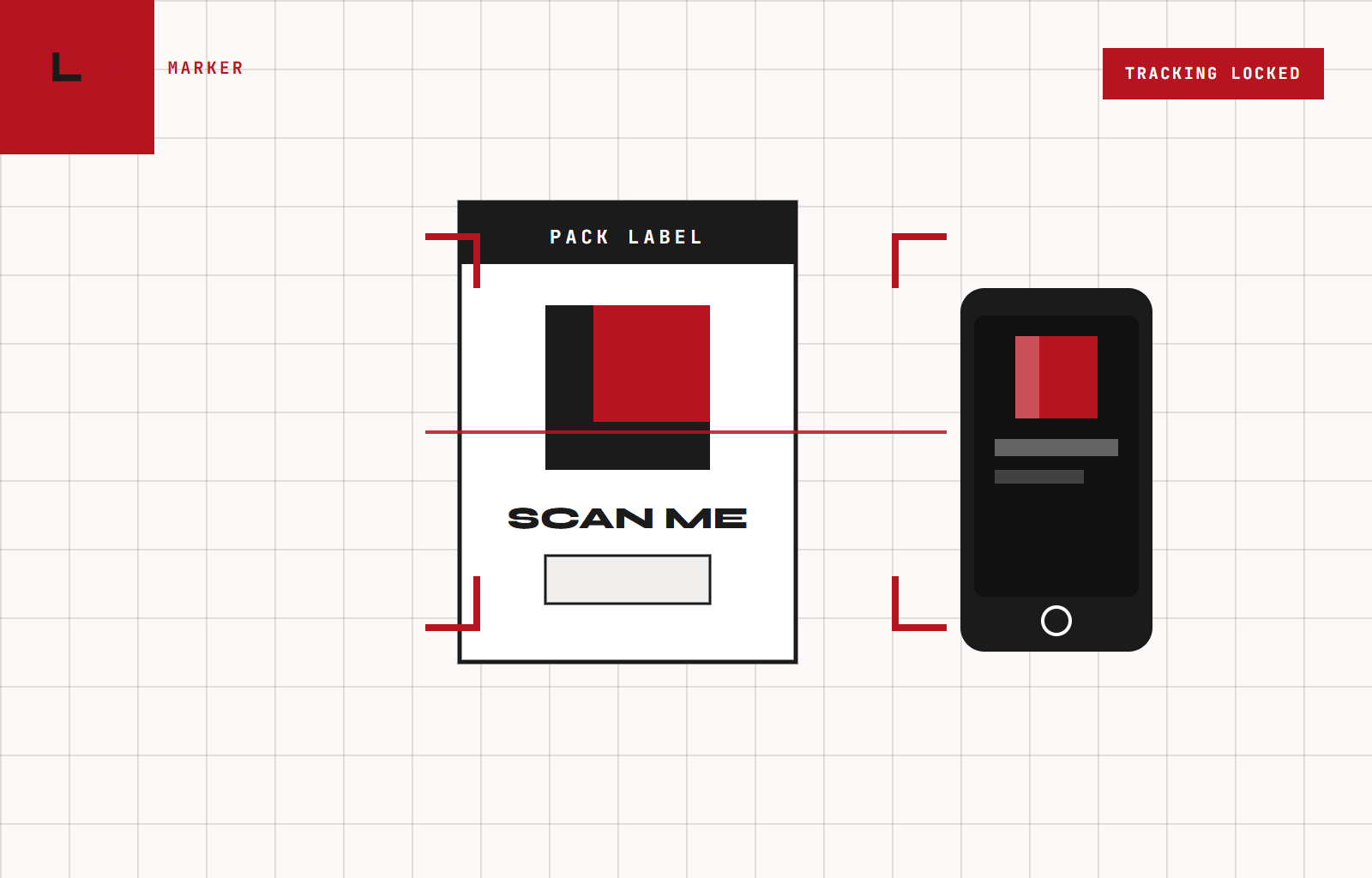
This is a LiveLens packaging label for Salmat Daton, The Fragrance Parlor. Open the experience on your phone, then point the camera at the label.
Open the experience
Scan the QR on the label, or tap Open experience on your phone. No app download.
Point at this label
Keep this page on screen (or use a printed copy). Aim your camera at the artwork until it locks.
Works on modern phones. Keep this label visible.
Drop in 3D models, video, or designs. Studio prepares them for playback in the browser.
Point the experience at packaging, a poster, or a printed label. Content appears where your audience already is.
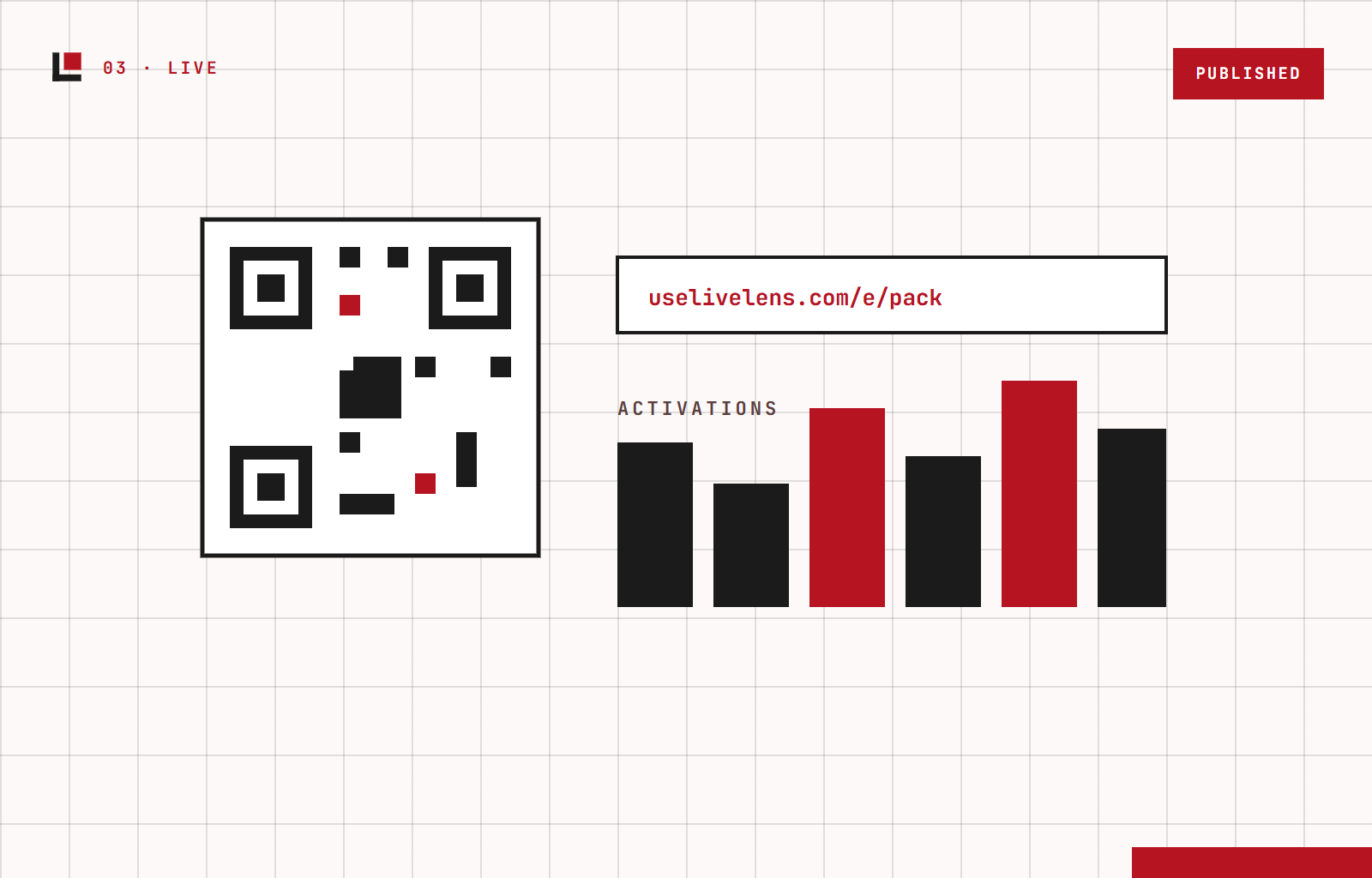
Share a URL or QR. Then see activations and session quality after people scan.
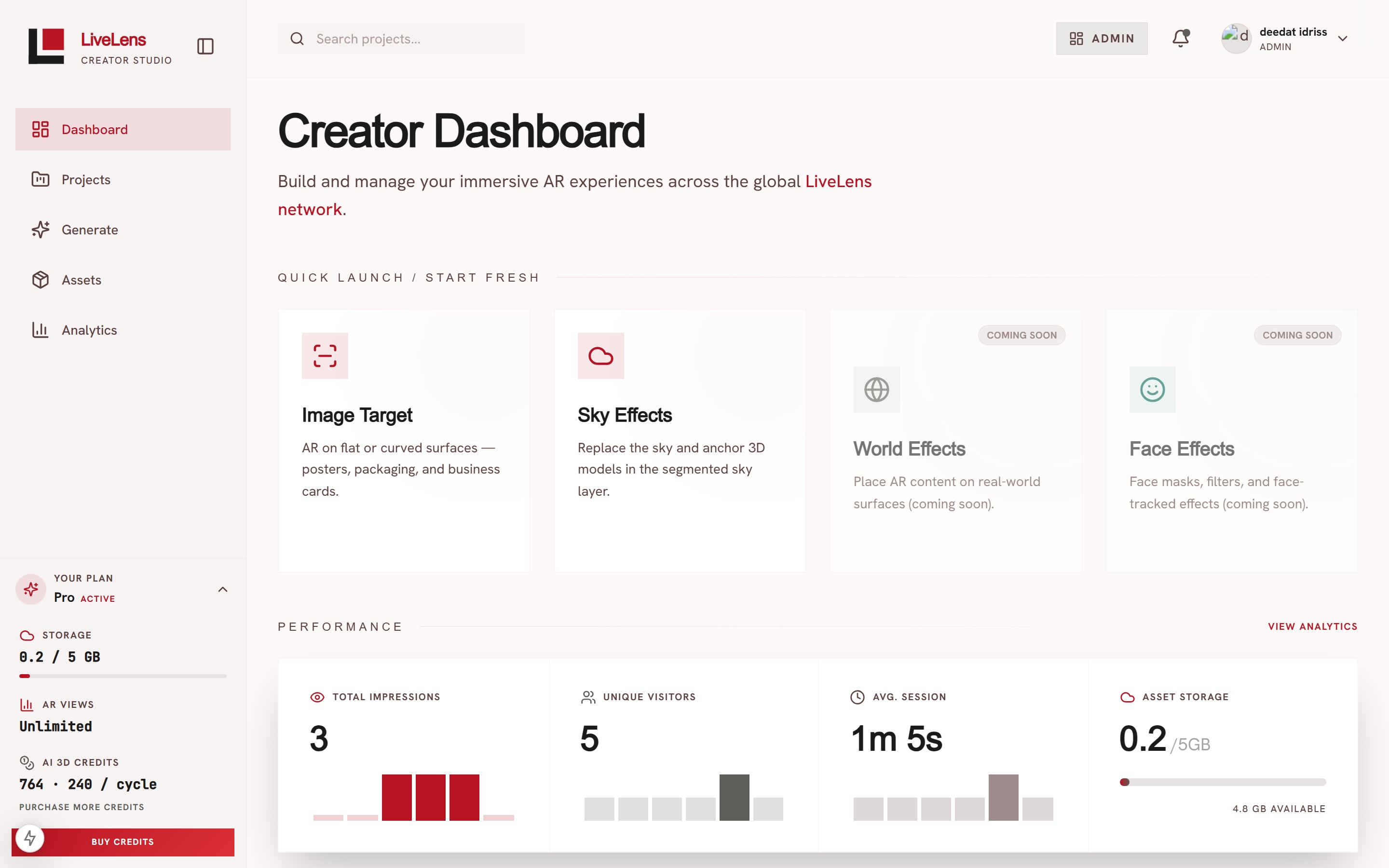
Select an image target, link models and video, then position them on a real-world grid. What you arrange in Studio is what visitors see when they scan.
Creator Studio
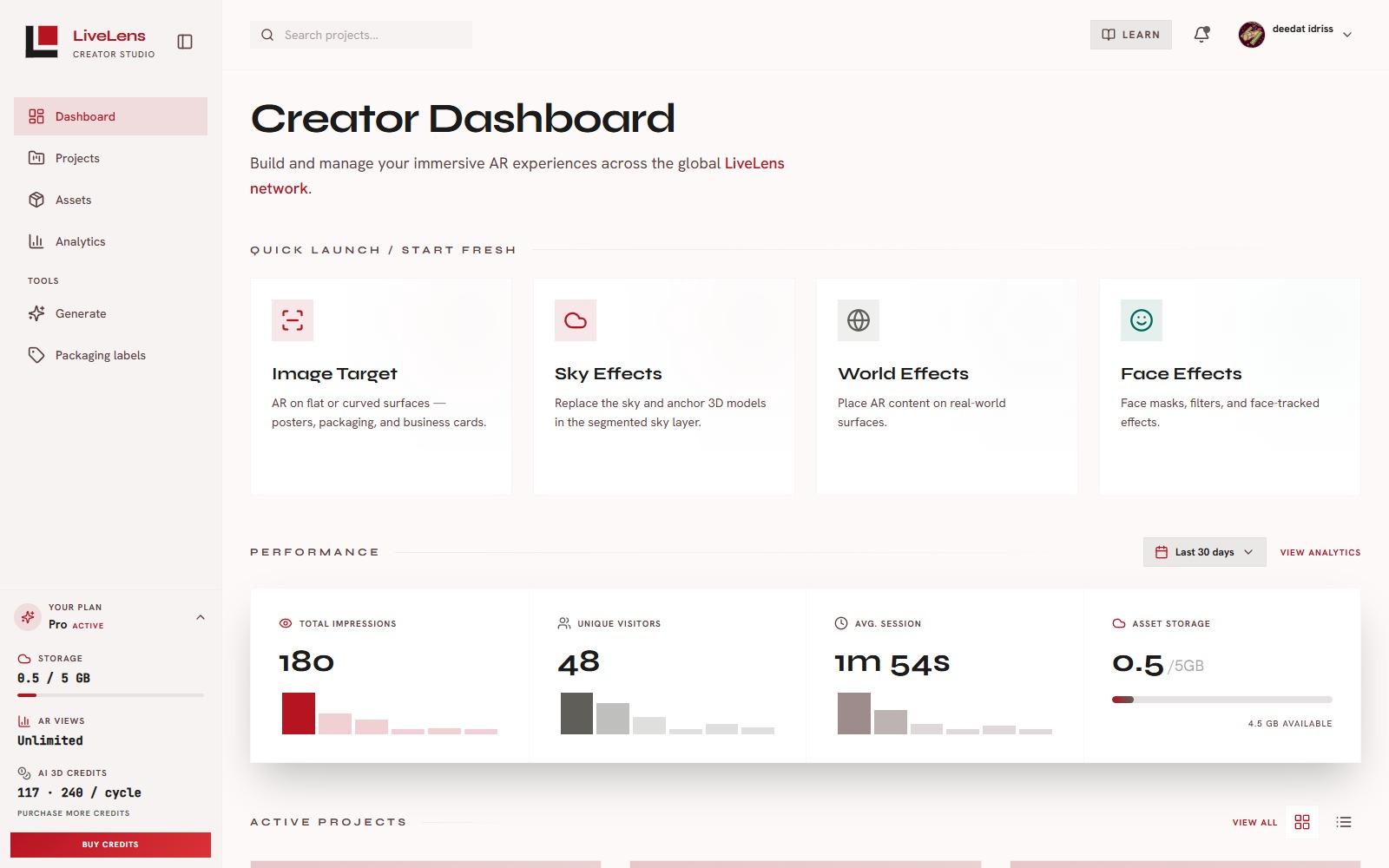
Launch image targets, sky, world, and face effects without writing code.
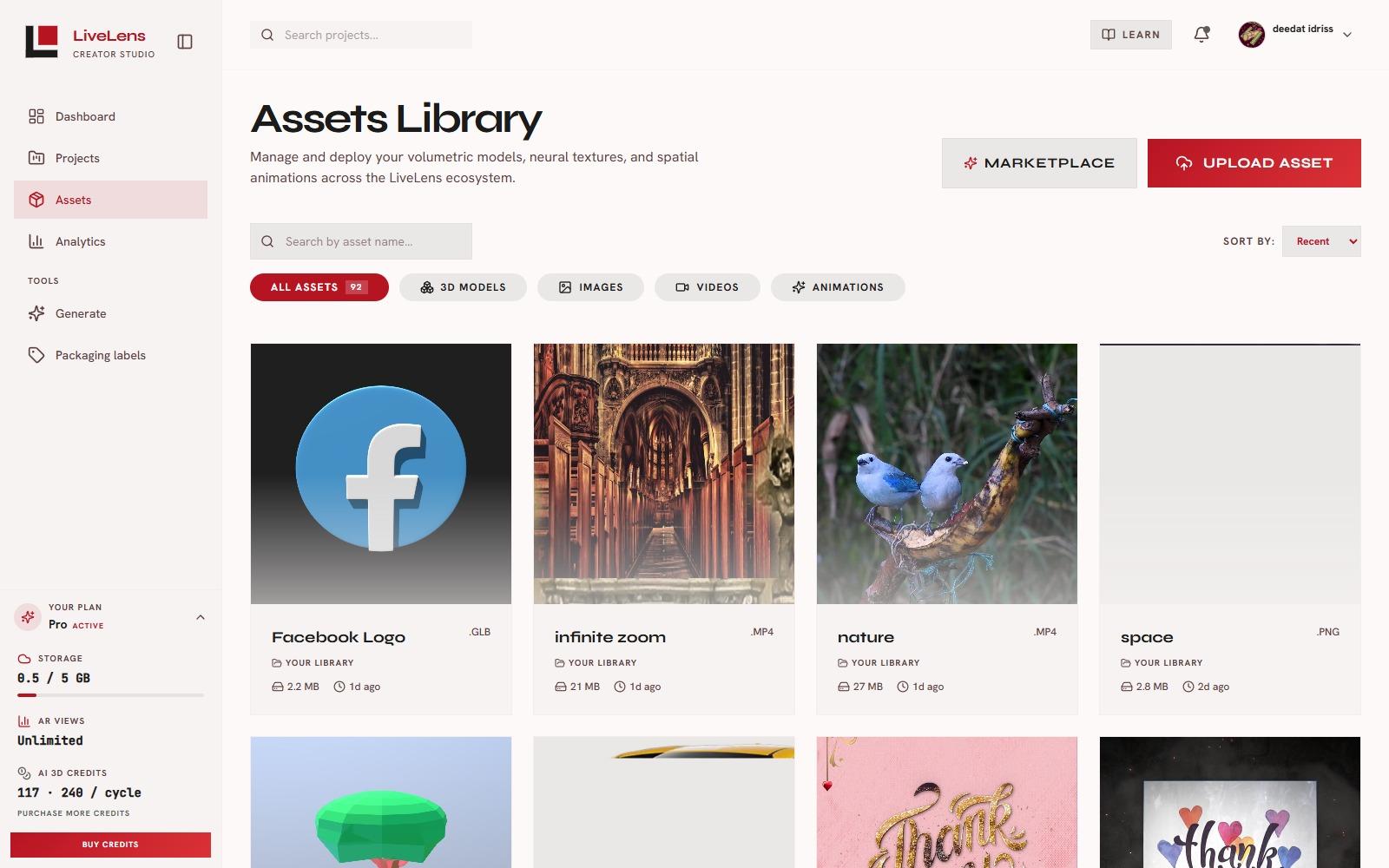
Assets
Models, filters, and marketplace picks, ready for AR.
Marker mapping and surface detection on modern phones.
Transparent video overlays on packaging and print.
Generate assets in Studio when you do not have a model yet.
Try-on style tracking for campaigns and retail.
Activations, dwell time, and session quality after you publish.
Free tier available. No credit card required.